Get Unit by ID
Endpoint used to fetch a unit by its ID.
Request Example
Section titled “Request Example”curl --request GET \ --url https://chat.api.toolzz.com.br/api/v1/unity/{unityId} \ --header 'Authorization: Bearer TOKEN_HERE'Response Example
Section titled “Response Example”{ "id": "uuid", "institutionId": "uuid", "name": "<string>", "isActivated": true, "credentialProjectId": "uuid"}Request description
Section titled “Request description”Access Token
Section titled “Access Token”| Parameter | Type | Description | Required |
|---|---|---|---|
Authorization | String | Access token (“Bearer” must be before the token) | Yes |
URL Parameters
Section titled “URL Parameters”| Parameter | Type | Description | Required |
|---|---|---|---|
unityId | UUID | Unique identifier of the unit. | Yes |
Response description
Section titled “Response description”| Key | Type | Description |
|---|---|---|
id | UUID | Unique identifier of the organizational unit. |
institutionId | UUID | Identifier of the institution owning this unit. |
name | String | Unit identification name (e.g., “AI”, “Marketing”, etc). |
isActivated | Boolean | Activation status of the unit in the system. |
credentialProjectId | UUID | Identifier of the credentials project associated with this specific unit. |
Security
Section titled “Security”To access this endpoint, it is necessary to send a valid access token through the authorization header (Authorization) of the request. Additionally, the API is protected by other security measures to safeguard user data.
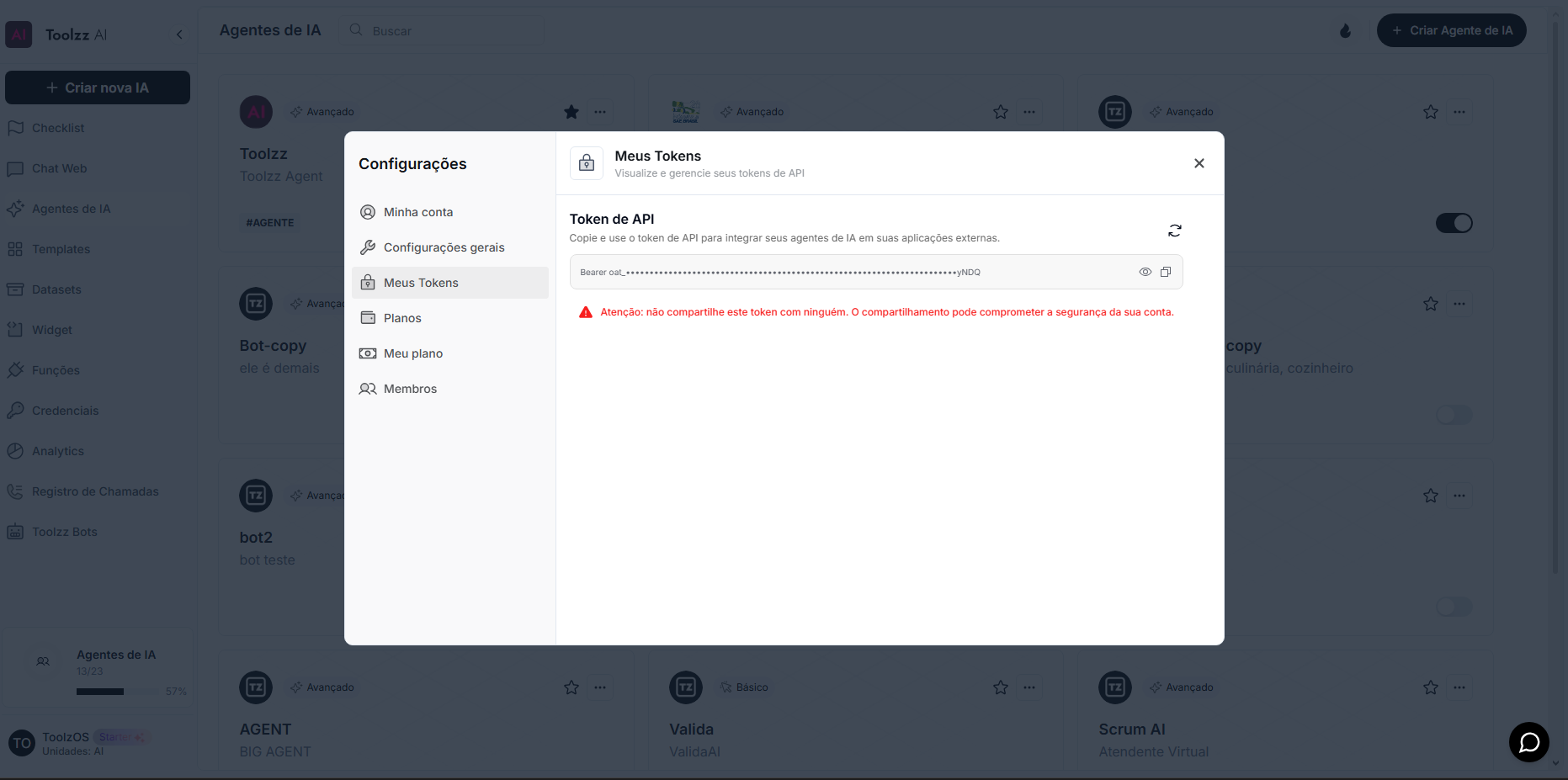
To access your access token, follow these steps:
- Log in to the ToolzzAI platform
- Click on “Settings”
- Click on “Access Token”
- Copy the access token