Error Handling
- Always handle errors appropriately
- Check the status codes of the responses
- Log relevant information about errors
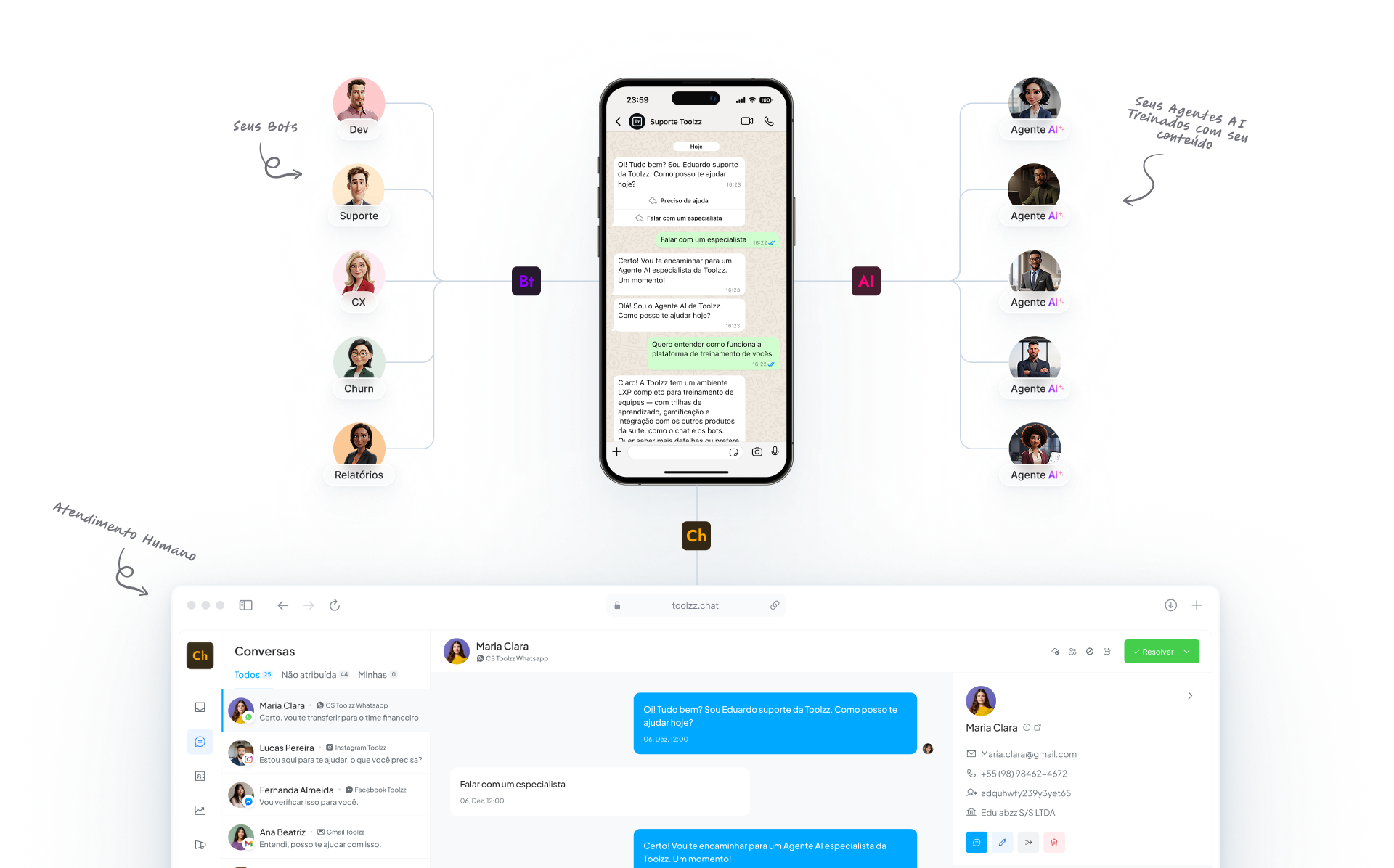
This guide will show you, in a simple way, how to integrate Toolzz products into your applications.
All Toolzz APIs use Bearer token authentication. Simply include your API key in the Authorization header:
Authorization: Bearer YOUR_API_KEYOur APIs follow the REST standard and use the most common HTTP methods:
GET - Fetch informationPOST - Create new dataPUT - Update existing dataDELETE - Remove dataAll API responses are in JSON format and include standard status codes:
{ "success": true, "data": { // Response data }, "message": "Operation performed successfully"}To ensure service stability, our APIs have request limits:
Error Handling
Security
Performance
If you need help with the integration: